2 minute read
How to join OraclePvP
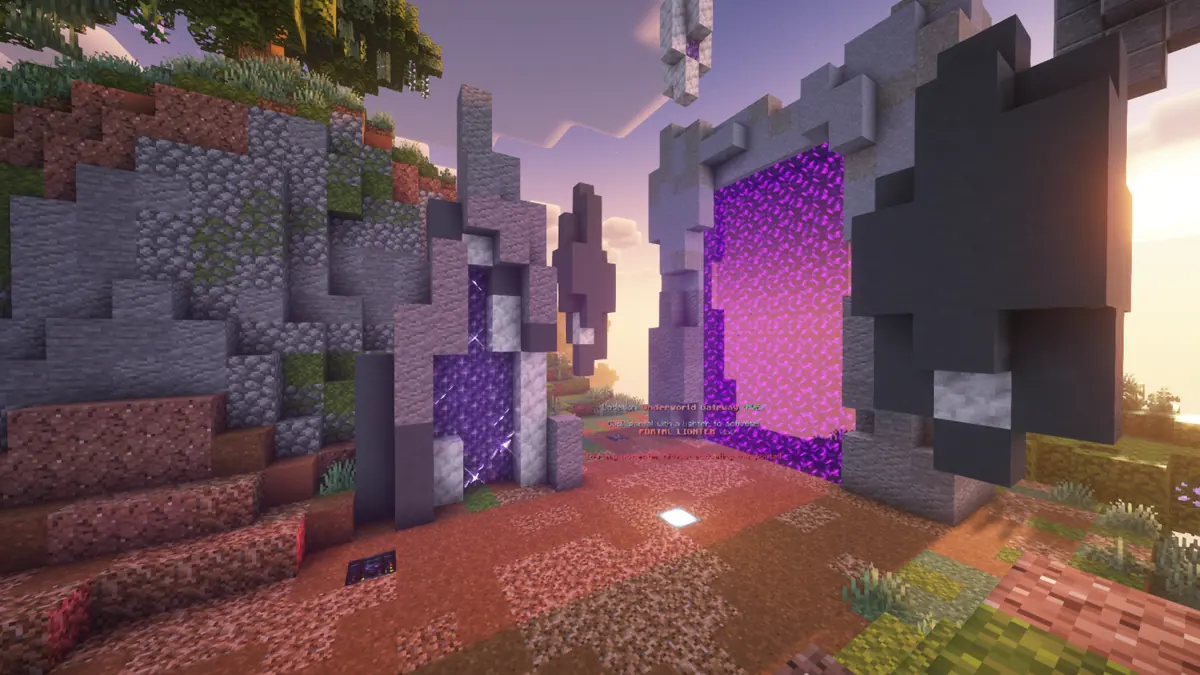
The OraclePvP server address is oraclepvp.net. How you use it depends on which edition you play.
Minecraft Java Edition
- Open Minecraft and choose Multiplayer.
- Click Add Server.
- Put anything you like in the name field.
- Paste oraclepvp.net into the address field.
- Click Done, then double click the server.
Leave the port off. Typing the address on its own lets your client find the right endpoint automatically, which is the setup we recommend.
Minecraft Bedrock Edition
Bedrock works on the same address, on the default Bedrock port.
- Go to Play, then the Servers tab.
- Scroll to the bottom and choose Add Server.
- Server address: play.oraclepvp.net
- Port: 19132
- Save, then join.
We suggest play.oraclepvp.net for Bedrock specifically. It is the address least likely to be affected by future changes, and it is the one to use if you ever get a connection error on the bare domain.
Console: PlayStation, Xbox and Switch
Consoles do not let you type in a server address at all. The way around it is the friend system: add oracleconnect as a friend in game, then join through your friends list. That is the supported console route and it is listed in the server wiki.
What to do the moment you land
You are teleported straight to your own island. Click the NPC called Rinn on
your island: Rinn starts the storyline, hands out rewards and walks you through your first farms
and grinders. There is also a starter kit at the portal at /spawn with diamond armour,
food and blocks, and /story replays the guided steps whenever you want.
Two commands you will use constantly from day one: /is go teleports you home, and
/travel opens the menu of every custom location.
Playing with a friend
Invite them with /is invite <name>. One warning worth reading twice: they
have to leave their own island first with /is disband, and disbanding wipes that island
permanently. Make sure they move anything they care about off it beforehand.
Frequently asked questions
What is the OraclePvP server address?
oraclepvp.net. Add it in Multiplayer on Java with no port, and it will find the right endpoint automatically.
What is the Bedrock port for OraclePvP?
Use play.oraclepvp.net on port 19132, which is the default Bedrock port.
How do I join on Xbox, PlayStation or Switch?
Consoles do not allow custom server addresses. Add oracleconnect as a friend in game, then join through your friends list.